Skip to quarry tiers
MOONQUARRY
Menu

SURVEYOR'S BRIEFING · HOUSEHOLD & FAMILY GUIDANCE

Information for Parents & Carers

Practical UK guidance on how browser-based survival and voxel games work, how to read our facts strips, and how to manage in-game spending, chat, and age ratings.

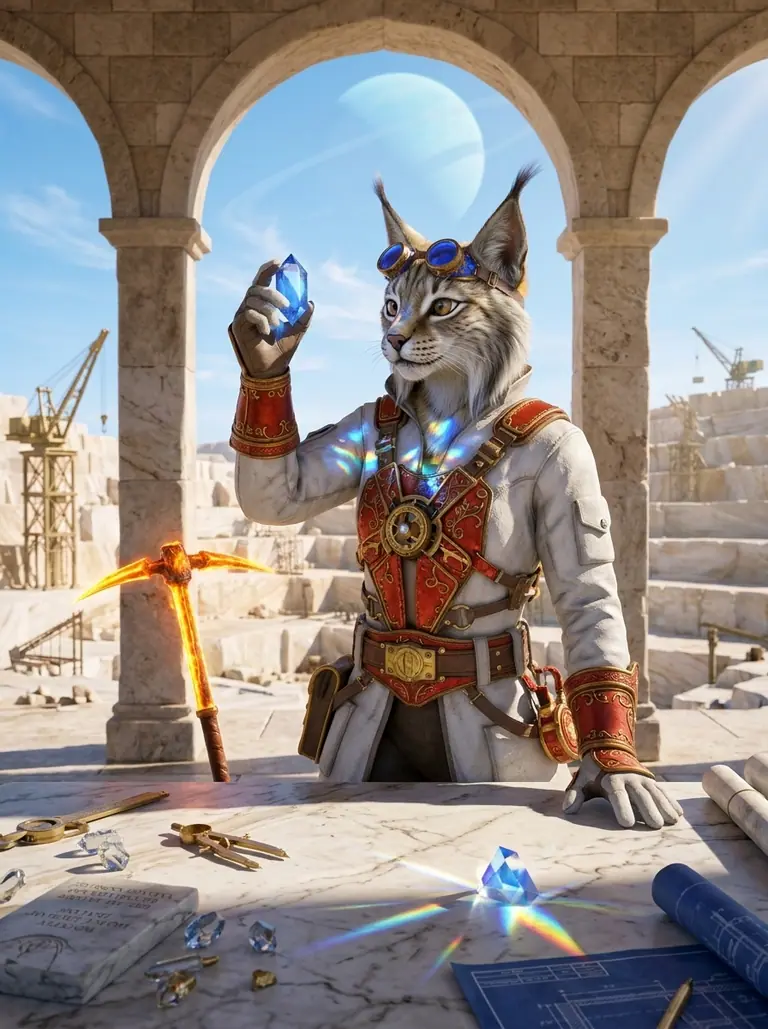
Portrait of Chief Surveyor Muna Korr holding a refracting blue moonstone prism beside a marble drafting table with brass callipers and stone tablets.
Chief Surveyor Muna Korr · High Lyrion Causeway Engineer. Every stone block is sounded and measured before it joins the bastion wall.

How MoonQuarry Works

MoonQuarry (moonquarry.pro) is an independent UK editorial guide to free-to-play browser survival, crafting, and block-building games, operated by [Operator legal name]. Written for players aged 16 and over, our guide is also built so parents and carers can see at a glance what each game involves before anyone clicks through to play.

We do not host games, run multiplayer servers, process payments, or create player accounts on this website. Every game button on MoonQuarry leads directly to that game's own official website, where the developer or publisher runs the game.

Reading Each Game's Facts Strip

Beneath every game on our Home, Block Realms, and Nightfall Bastions pages, you will find a compact facts strip checked on :

Price & Purchases
States whether a game is free to play with no in-game purchases (such as MooMoo.io) or free to play with optional in-game purchases (such as cosmetics, coins, or VIP passes).
Adverts
Notes whether the browser game displays video or banner adverts between rounds or on the menu screen.
Account
Explains whether players can jump straight in as an anonymous guest or register an optional account to save progress, skins, and friends lists.
Chat
Shows whether players can talk to other players in real time via open text chat, filtered chat, clan chat, or quick-chat emotes.

SECOND QUARRY TIER · CLEAR MONEY & STORE RULES

In-Game Purchases, Random Items & Spending Controls

Plain-language explanations of how free-to-play browser games make money and how to lock spending on your household devices.

01 · IN-GAME PURCHASES

What In-Game Purchases Are

All nine games featured on MoonQuarry let players start playing in a web browser without paying money upfront. However, most of them offer optional in-game purchases.

An in-game purchase is when a player uses real money (via a bank card, digital wallet, or mobile store balance) to buy digital items inside the game. These usually include:

  • Virtual currencies: Packs of in-game coins, gems, or gold used in the game's shop.
  • Cosmetic items: Character skins, hats, weapon appearances, or building block styles that change how a player looks.
  • Passes and perks: VIP memberships, battle passes, or adverts removal.

When a game has no store or paid items of any kind, our facts block states clearly that it is free to play with no in-game purchases.

02 · PAID RANDOM ITEMS (LOOT BOXES)

What Paid Random Items Are

Some games include paid random items — often called loot boxes, mystery chests, crates, or prize spins.

In plain words, a loot box is a digital container or spin that a player pays for (either directly with real money or with virtual currency bought using real money) without knowing which specific item they will receive before they pay. Opening the chest picks an item at random based on hidden or published odds — often giving common items most of the time and rare skins only occasionally.

Because the reward is uncertain at the moment of purchase, players can be tempted to keep spending to chase a rare item. Always check whether a game's shop sells fixed items (where you see exactly what you are buying) or random chests.

03 · DEVICE & STORE SPENDING CONTROLS

Switching On Spending Controls

Phones, tablets, computers, consoles, and app stores all have built-in spending controls that parents and carers can switch on. You can require a password or biometric check for every purchase, set a monthly spending cap, or block in-game purchases completely:

Web Browsers & Computers

Browser games take payment through web checkouts (such as Stripe, PayPal, or Xsolla). Do not allow your web browser (Chrome, Safari, Edge, or Firefox) to autofill saved debit or credit cards on a shared or young person's device, and enable bank-app approval for all online card transactions.

Phones, Tablets & App Stores

On Apple iOS / iPadOS, use Screen Time → Content & Privacy Restrictions → iTunes & App Store Purchases to set In-app Purchases to "Don't Allow", or enable Ask to Buy. On Google Play (Android), open Family Link or Google Play Settings → Authentication to require your password for every purchase.

Consoles & Family Accounts

On PlayStation, Xbox, and Nintendo Switch, create a dedicated child or teen account linked to your parent organiser account. From your family dashboard you can set monthly spending limits to £0.00 and block unapproved store checkouts.

THIRD QUARRY TIER · AGE RATINGS, LOBBIES & PRIVACY RULES

PEGI Age Ratings, Multiplayer Chat & Game Policies

How to check official UK age ratings, understand live multiplayer lobbies, and review each publisher's own terms and privacy rules.

How to Check a Game's PEGI Rating at pegi.info

In the United Kingdom, video game age ratings are provided by PEGI (Pan European Game Information). A PEGI rating tells you the suitability of a game's content for different age groups (PEGI 3, 7, 12, 16, or 18) alongside content descriptors such as violence, bad language, fear, or in-game purchases (including random items).

Many open-web browser games are published directly by independent studios and have not been formally rated by PEGI, while others hold a PEGI or IARC rating through their mobile or console editions. When a game has an official rating, we note it inside the Rating & source drawer of its facts strip.

To check any game's rating yourself, visit the official PEGI database at pegi.info, type the game's title into the search bar, and review the age badge and content descriptors.

Each Game Has Its Own Privacy Policy, Terms & Age Rules

Because MoonQuarry links out to independent games hosted by their respective developers and publishers (such as Bloxd LTD, Vectaria, Miniblox, LapaMauve, FRVR, and OnRush Studio), each game has its own privacy policy, terms of use, and minimum age rules.

When a player leaves MoonQuarry and opens a game's official website, that publisher's rules govern how personal data, cookies, IP addresses, chat logs, and registered accounts are handled. Before a young person registers an account or enters an email address on any game site, we recommend checking:

  • Minimum age requirements: Many terms of service require players to be at least 13 or 16 years old to create an account, or require verifiable parental consent for younger players.
  • Privacy & cookie settings: How the game and its advertising partners collect device identifiers and whether personalised adverts can be switched off.
  • Guest play vs. accounts: Most games we feature allow full play as a guest without creating an account or sharing an email address.

Multiplayer Lobbies, Live Chat & Contacting MoonQuarry

The survival and voxel games catalogued on MoonQuarry are live online multiplayer games. Players share islands, arenas, and wilderness maps with other players in real time. Depending on the game, communication ranges from preset emoji wheels to open text chat or clan messages. Even where profanity filters are active, open text chat means other players can type unmoderated messages. Encourage players never to share their real name, school, phone number, or social media handles in game chat, and look for the in-game mute or hide-chat toggle in each game's settings menu.

If you are a parent or carer with a question about how MoonQuarry presents game facts, or if you wish to report an outdated fact strip on our site, please email [Operator legal name] at [Contact email] or visit our About & Contact and Privacy & Cookies pages.

Our game guides are based on information published by each game's developer or publisher and on official store pages, checked on 26 October 2026. We don't score or rate games.